
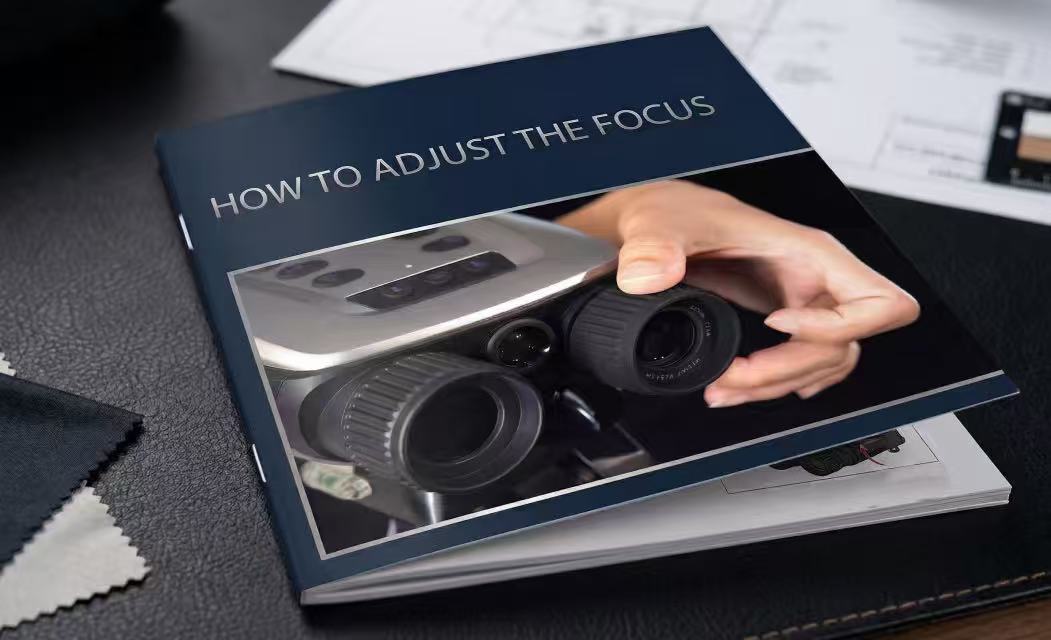
If you have just unboxed your VisioGear night vision device and find the screen appears blurry, out of focus, or even like a "blank white wash," do not worry—your device is not defective. Because these are high-precision 4K optical instruments, they require manual focusing to align with the specific distance of your target.
Why is my screen blurry?
Unlike a smartphone camera, professional night vision gear uses a manual objective lens to achieve maximum light intake and detail. If the lens is set for a distance different from what you are viewing, the image will not appear sharp.
The Golden Rule of Focusing
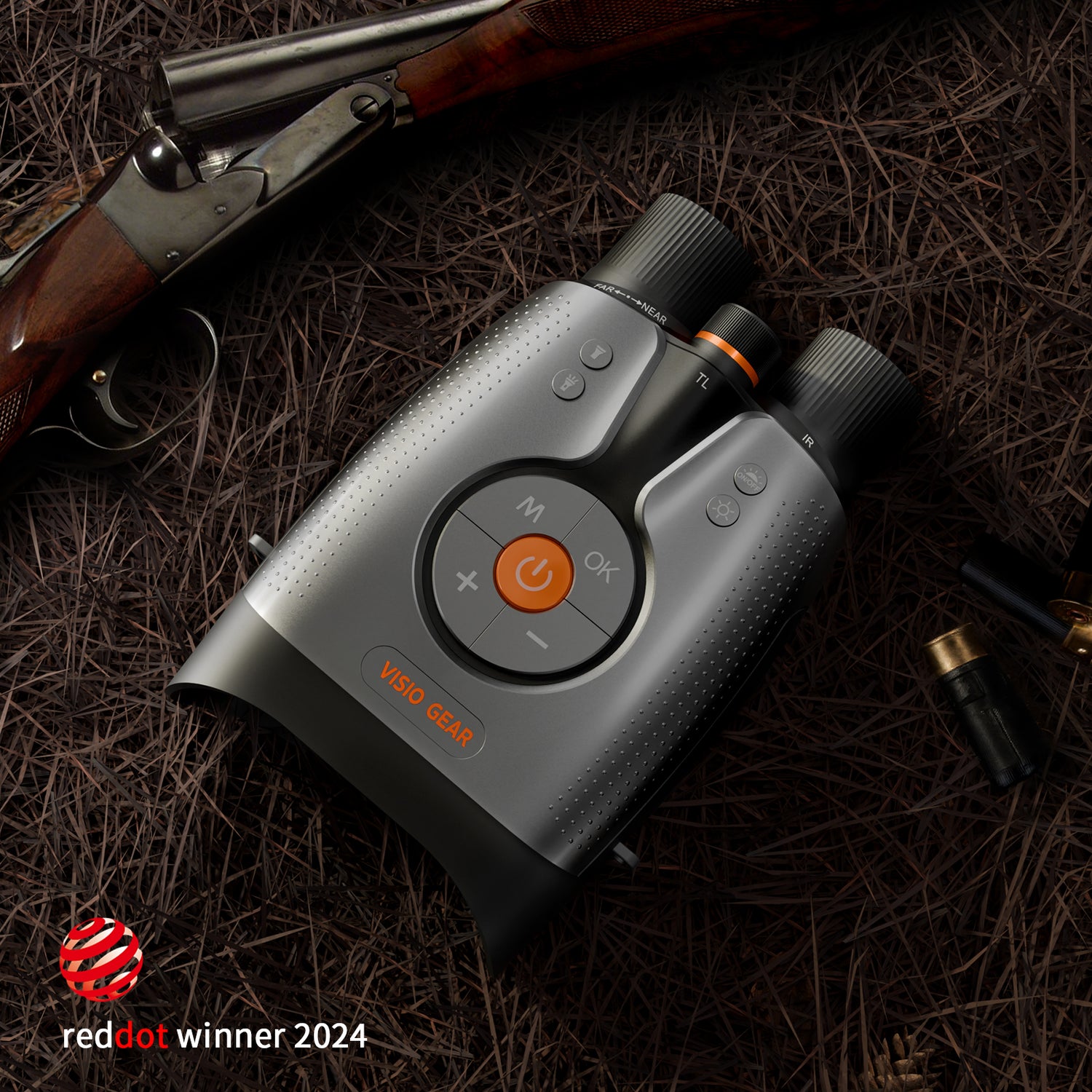
To get a crystal-clear image, locate the Objective Lens (the large lens on the front-left side of the device). Rotate it according to these simple rules:
-
Clockwise (Rotate Right): Use this for Nearer objects. If you are looking at something close to you, twist the lens to the right.
-
Counter-Clockwise (Rotate Left): Use this for Distant objects. If you are scouting the far edge of a field or forest, twist the lens to the left.
Step-by-Step Calibration
-
Power on the device in a low-light or dark environment.
-
Pick a target at a set distance (e.g., a tree 20 meters away).
-
Slowly rotate the front lens. You will see the image transition from a blur to sharp 4K detail.
-
Fine-tune: Once the image is clear, make very small adjustments to "lock in" the highest level of detail for recording.
Pro Tip: If you move from viewing a close object to a far one, you will need to re-adjust the focus. This is a normal part of using optical equipment and ensures you always get the best possible footage.
Video Tutorial
For a visual demonstration of how to master the focus mechanism, watch our brief instructional video below:
0 comments